Release · Oct 14, 2026
The three big features in Lucky Engine 2026.3
Our cofounder and CTO, Yan Chernikov, walks through the three major features in this release and how they work together.
Lucky Engine 2026.3 is out, and Yan Chernikov, our cofounder and CTO, couldn’t be more proud of it. The release adds three major features that are built to work together.
Real-time path tracing
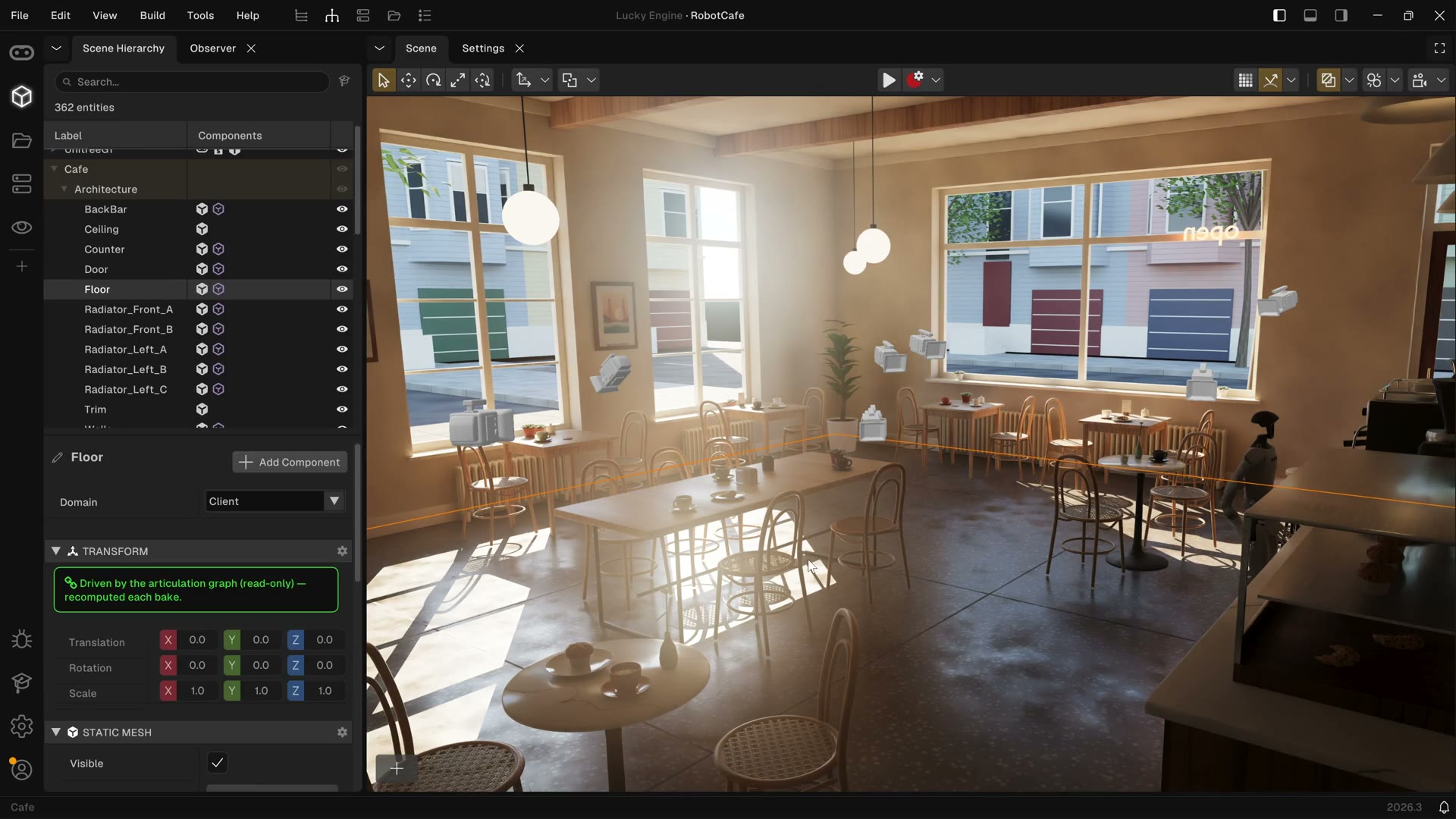
Path tracing is incredibly hard to do in real time. Like real light, the new renderer path traces the entire scene, following the light’s path as it bounces around the room, enabling realistic lighting on every frame. Path tracing used to be reserved for offline rendering in film and visual effects.
Not only do the scenes look significantly better, which never hurts, but we’re able to do realistic lighting and reflections, so the training data our robot worlds create is incredibly accurate.
Lucky Procedural
Our new procedural graph-based system is a series of features in one. It generates procedural meshes, materials and textures.
Every object in Yan’s demo scene was built in this visual graph. Nothing was modeled in Blender and imported. You can use it for a single complex object or a whole scene.
It’s all math! Not only does this make the scene incredibly lightweight to transfer, but everything in it is extensible and malleable. Which is handy when you’re generating thousands of seeds or episodes of data at a time.
A graph can expose parameters, and changing one regenerates the mesh almost instantly, so a new variation of a scene is a few changed numbers. What if the table was a little bit higher? Or the kitchen bench a little wider? It’s easy to change when it’s one open parameter anyone can edit.
Everything it makes is real geometry: it works with the physics system, and robots interact with it the way they would with any other object.
AI agents that build for you
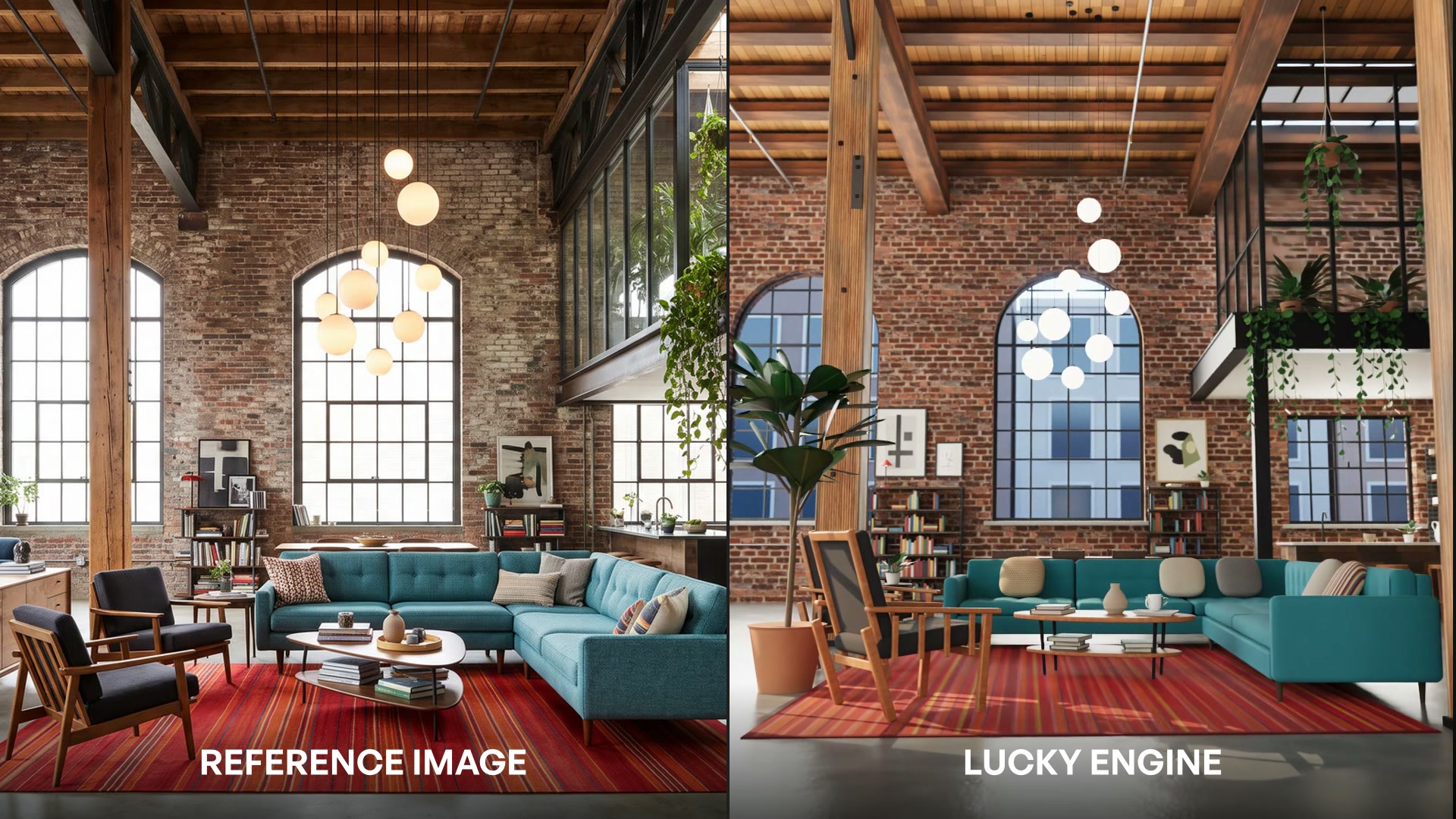
The third feature ties the other two together. An AI agent such as Claude or ChatGPT can now fully control Lucky Engine. We’ve run many tests: one prompt with an image, and it’s generated entire loft apartments, kitchens, deeply complicated scenes. Give it a photo of a hotel room and it builds that room. What it makes is real geometry, lit by the path tracer, and no Blender or other outside software is involved: open the AI agent you already use and tell it what to build.
The agent is capable of using the procedural tools to create all the assets, materials and textures. Robots training robots.
Try it
The release comes with example projects that show how to use the procedural system, and the documentation is at docs.luckyrobots.com. Yan has more videos on the way. Download Lucky Engine to try it.